IDENTIFY YOUR PLATFORM
New Platform
Life Story Books
All writing in a Life Story Book autosaves as you type. There is nothing you need to do to save your work.
As long as you are connected to the internet, your answers will be saved automatically and you can return at any time to continue where you left off.
Tribute Books
For Tribute Books, answers are saved when they are submitted.
Contributors write their response and submit it to the Tribute Book organizer. Once submitted, the message and any photos are securely saved and added to the tribute book.
If a contributor leaves before submitting, their response will not be saved.
Legacy Platform
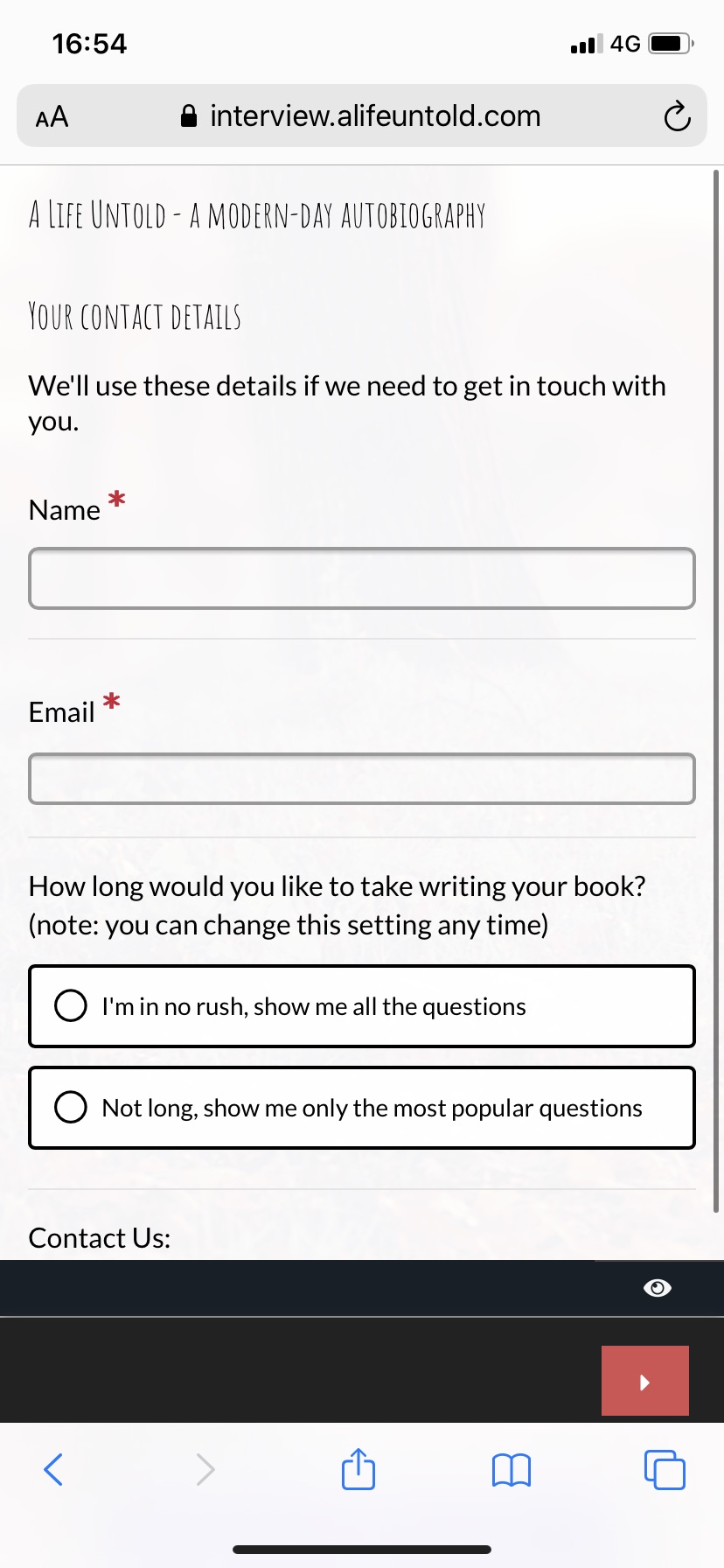
COMPUTER: If you access A Life Untold from a computer, you will need to scroll to the very bottom of the page and click "Save & Next". MOBILE DEVICE: If you access A Life Untold from a mobile device, you will need to click the arrow in the bottom right corner of the screen.